
$99.00 Original price was: $99.00.$79.00Current price is: $79.00. / year
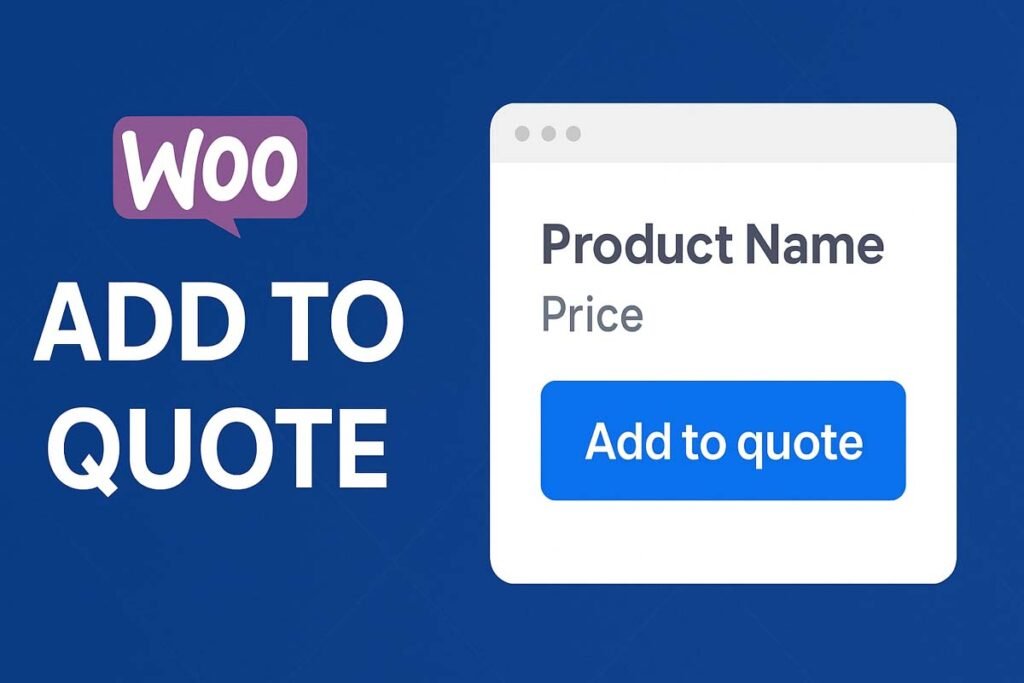
WooCommerce Add to Quote is a powerful and flexible solution for store owners who want to hide prices, handle custom pricing, negotiate bulk orders, or accept purchase requests instead of direct checkout.
Perfect for B2B stores, wholesale suppliers, manufacturers, service providers, and custom product sellers, this plugin replaces the standard WooCommerce Add to Cart button with an Add to Quote button—fully controllable, customizable, and role-based.
Not every product fits a fixed price model.
Some products require:
Quantity-based pricing
Custom specifications
Manual approval
Negotiation before sale
Stock confirmation
With WooCommerce Add to Quote, customers can request a quote instead of buying instantly—giving you full control over pricing, stock, and customer communication.
✔ Replace Add to Cart with Add to Quote
✔ Works on all WooCommerce pages
✔ Supports variable products & variations
✔ Show or hide the button using advanced rules
✔ Role-based visibility control
✔ Automatic handling for out-of-stock products
✔ Fully customizable button design
✔ Beginner-friendly admin interface
✔ Lightweight & developer-friendly
The plugin seamlessly replaces the default WooCommerce Add to Cart button with an Add to Quote button on:
✅ Single product pages
✅ Shop page
✅ Product category pages
✅ Product tag archives
✅ Any WooCommerce loop
You can keep WooCommerce checkout active for selected products or disable it completely for quote-only workflows.
Customers can quickly add products to their quote list with one click.
Customers can:
Select size, color, material, or any variation
Add the exact selected variation to the quote
Submit fully detailed quote requests
Each variation is preserved accurately—no missing information.
Turn stock problems into sales opportunities.
Enable the “Only show Add to Quote on out-of-stock products” option and:
✔ Keep “Add to Cart” for in-stock items
✔ Automatically show “Add to Quote” when stock runs out
✔ Capture customer interest even when products are unavailable
Perfect for made-to-order or on-demand manufacturing businesses.
Control exactly who sees the Add to Quote button.
✅ Show to all users
✅ Show to logged-in users only
✅ Show to specific user roles only
Customers
Subscribers
Wholesale buyers
Shop managers
Custom user roles
Example use cases:
Show quoting only for B2B clients
Require login before submitting a quote
Allow VIP users to request quotes
Not all products need quotes.
Use the Exclusion List to disable the Add to Quote button for specific products by ID.
✔ Keep Add to Cart on selected products
✔ Use both direct purchases & quotes in one store
✔ No coding required
Just enter comma-separated product IDs in settings.
Match your website’s branding effortlessly.
✅ Custom button text (e.g. “Request a Quote”, “Get Pricing”)
✅ Button background color
✅ Button text color
✅ Consistent styling across all WooCommerce pages
No CSS knowledge required—but developers can extend styles using the built-in CSS class.
Uses WooCommerce native hooks
No theme overrides
No template conflicts
Session-based quote storage
Compatible with most WooCommerce themes
Optimized for performance
Built following WordPress coding standards, making it safe, stable, and extendable.
This plugin is designed as a foundation you can build upon.
It can easily be extended to include:
Quote submission forms
Email notifications
Quote management dashboard
Convert quotes into WooCommerce orders
PDF quote generation
CRM integrations
Perfect for custom development and future upgrades.
A clean and intuitive settings page under WooCommerce → Add to Quote lets you:
Enable role-based visibility
Configure out-of-stock behavior
Manage product exclusions
Customize button design
Control quote visibility rules
No technical knowledge required.
✅ B2B & wholesale stores
✅ Custom-made or configurable products
✅ High-value items requiring negotiation
✅ Products without fixed prices
✅ Services & digital solutions
✅ Made-to-order manufacturing
WooCommerce (latest versions)
WordPress (standard installation)
All modern WooCommerce themes
Simple & variable products
Multisite-ready
Follows WordPress security best practices
Sanitized & validated inputs
Nonce-protected admin actions
No sensitive data exposure
✅ WooCommerce Add to Quote plugin
✅ Easy-to-use admin settings
✅ Front-end Add to Quote button logic
✅ Session-based quote list storage
✅ Clean, extensible code
The plugin is well-documented and built for flexibility.
💡 Need advanced features like:
Quote emails?
PDF generation?
License system?
Subscription-based quoting?
The core architecture already supports expansion.
WooCommerce Add to Quote gives you full control over how customers engage with your products—without forcing immediate checkout.
Whether you’re selling to businesses, managing custom pricing, or handling stock limitations, this plugin helps you capture leads, start conversations, and close deals.